
StarSwap browser extension
Quick Trade.
Live markets.
Search markets and use your approved StarSwap wallets, balances, holdings, saved amounts, and slippage from the browser popup or side panel. BasedBot and GMGN are optional in-page integrations.
One Quick Trade terminal
Your wallets. Any page.
The popup and side panel work independently from the page you are viewing. Supported terminal composers may also receive optional StarSwap controls without replacing their native actions.
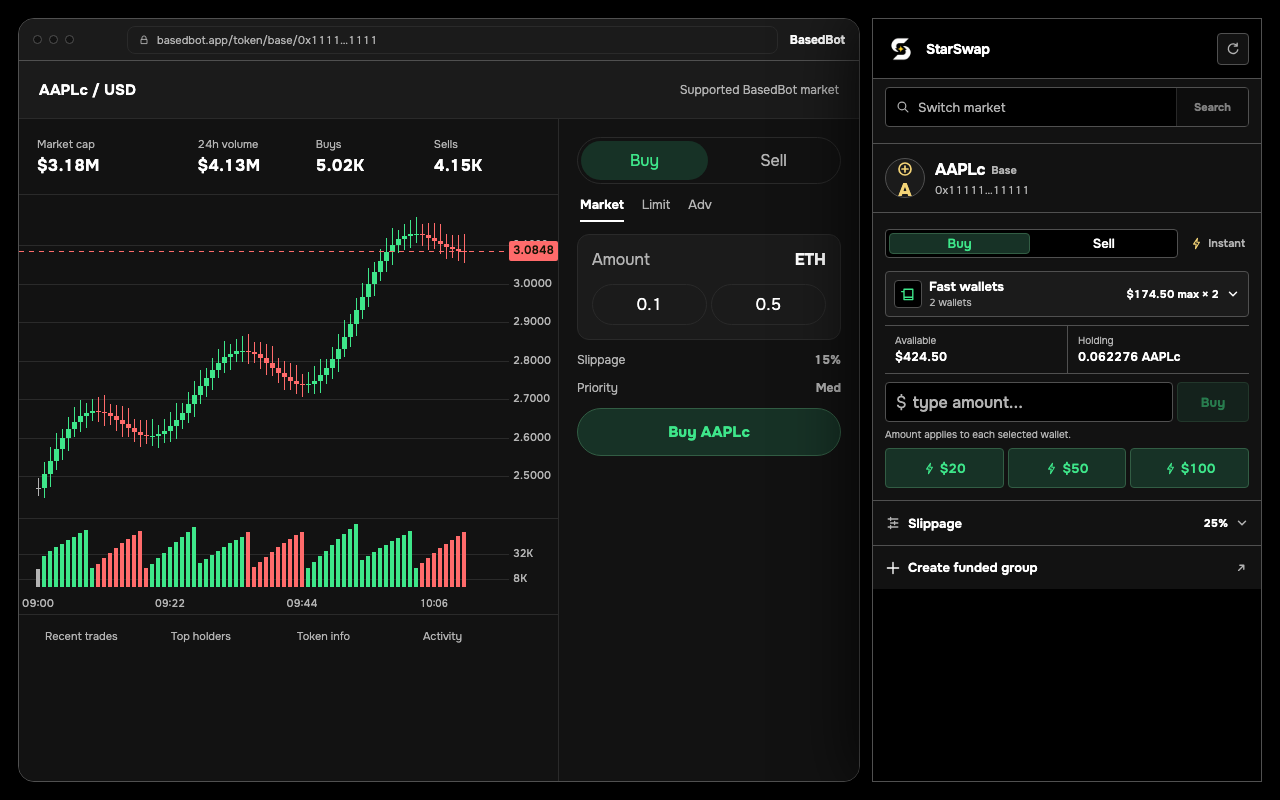
Browser-owned terminal
Quick Trade wherever you browse.
Search by token name, symbol, or contract address, then trade from the compact popup or keep the same terminal open in the side panel.
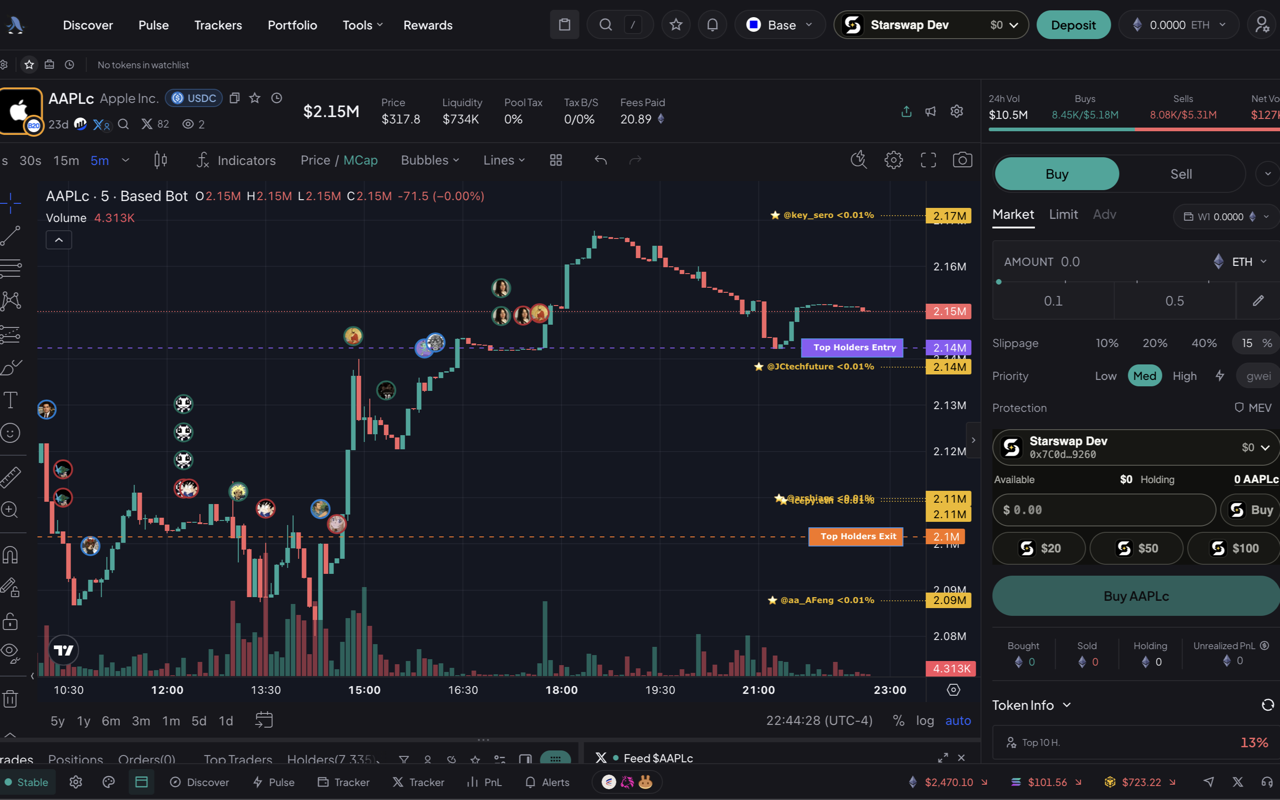
Optional in-page controls
Buy with your StarSwap balance.
See approved wallets, available balance, token holdings, and Quick Trade actions inside an unambiguous market composer.
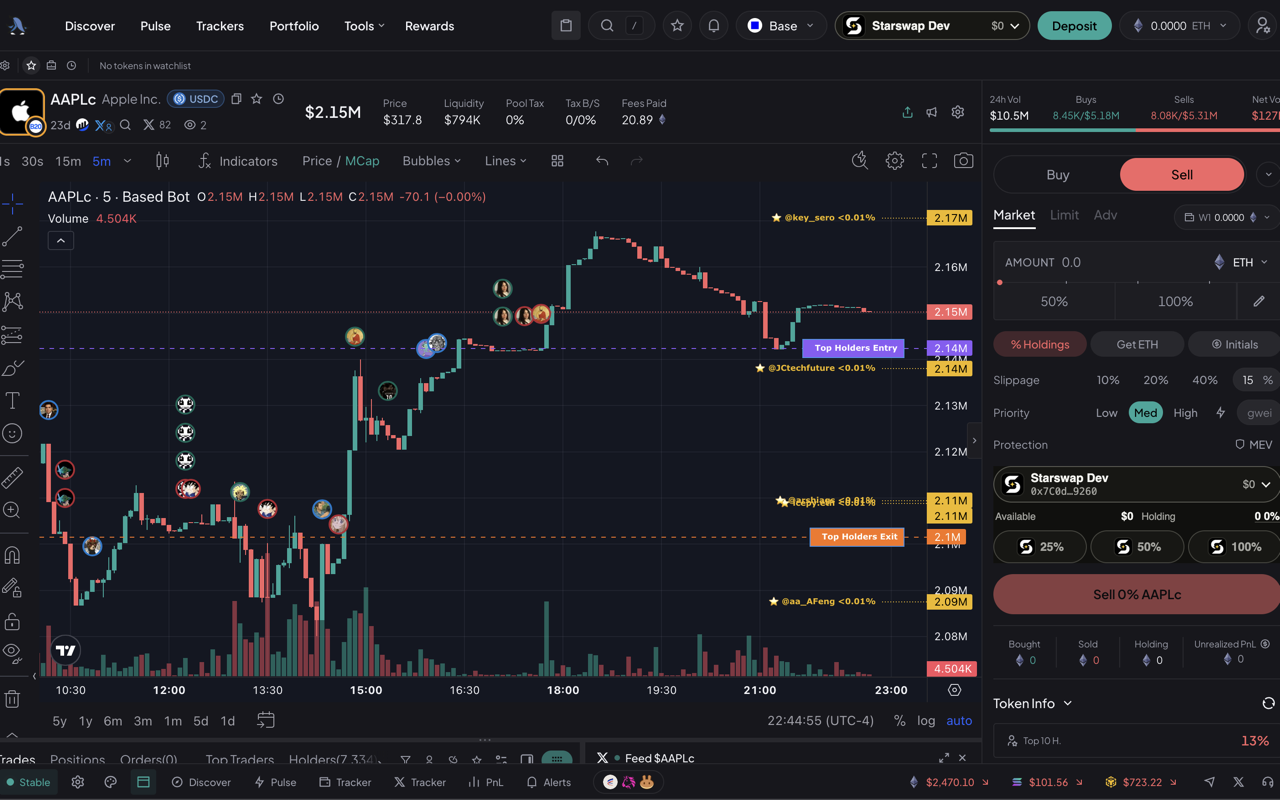
Sell
Act on live holdings.
Choose a percentage of the selected wallets' holdings while the terminal's native controls stay available.
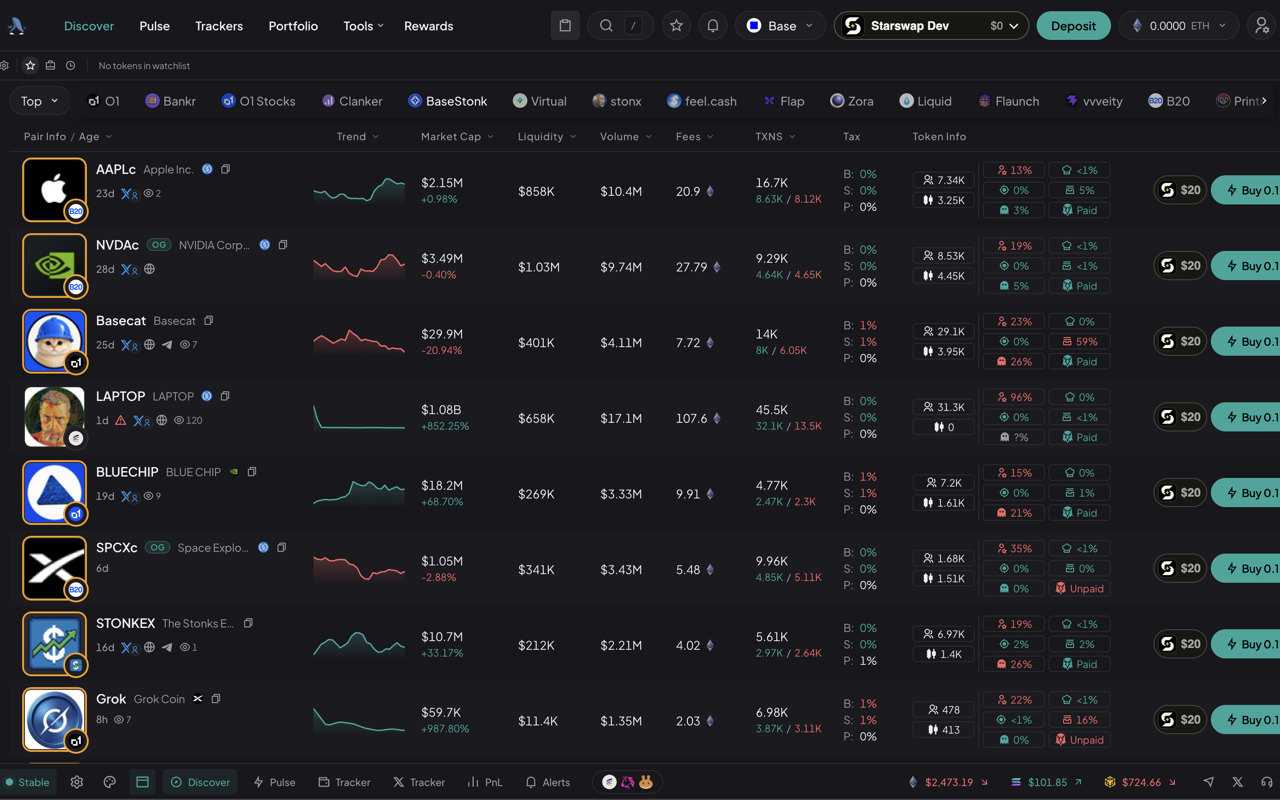
Discover
Quick Trade from the market list.
Your first saved amount appears beside supported markets without replacing the terminal's native Quick Buy.
How it works
Connect once. Pick a market. Trade.
Connect StarSwap
Sign in and approve the wallets or wallet groups you want available in the extension.
Find a market
Search by token name, symbol, or contract address. A supported terminal page can also suggest its current market.
Quick Trade
Enter a dollar buy, press a saved amount, or choose a holding percentage to sell. Status stays in the StarSwap terminal.
StarSwap trade actions submit immediately using your Quick Trade settings. There is no second review screen.
Privacy
Built for one job.
StarSwap uses your market search or an optional supported-page market hint, your approved wallet information, and the trade details you provide to show balances and complete Quick Trade actions. Connection data is encrypted on this device. Basic request logs, including IP address, may be kept to operate and protect the service.